iPhone, quick start
Trusts this site (at install time), WebKit and your Apple Account. Costs little beyond keeping the phone offline.
1. Open it in Safari
On the iPhone, before any key is on it, open the web app in Safari. So that you do not install a copy from another site, check that the URL is bitwasm-project.github.io/bit-hanko/app/.
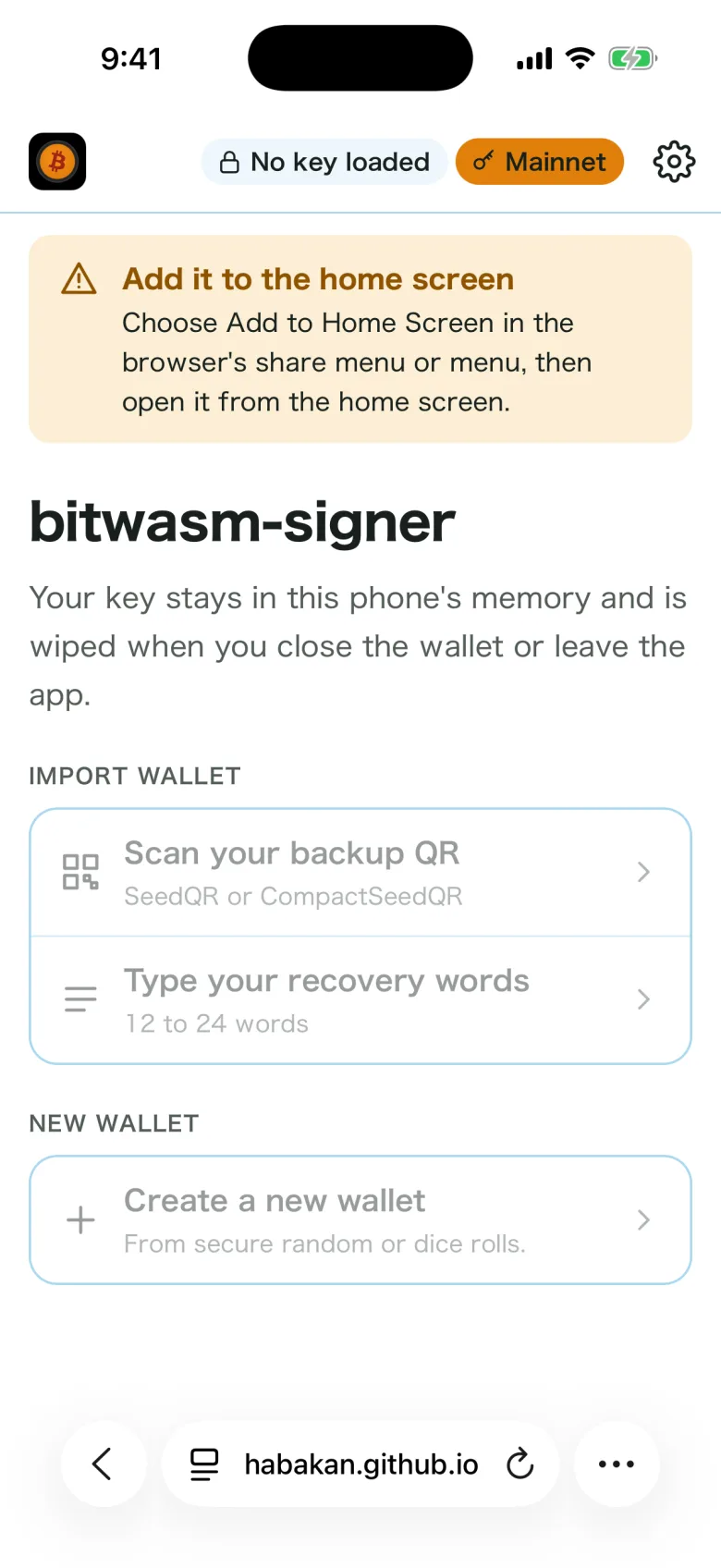
2. Add it to the home screen
Tap "…" at the bottom right and choose Share, then View More and Add to Home Screen. Leave Open as Web App on and tap Add. On some versions of iOS, it is under the share button at the bottom of the screen.
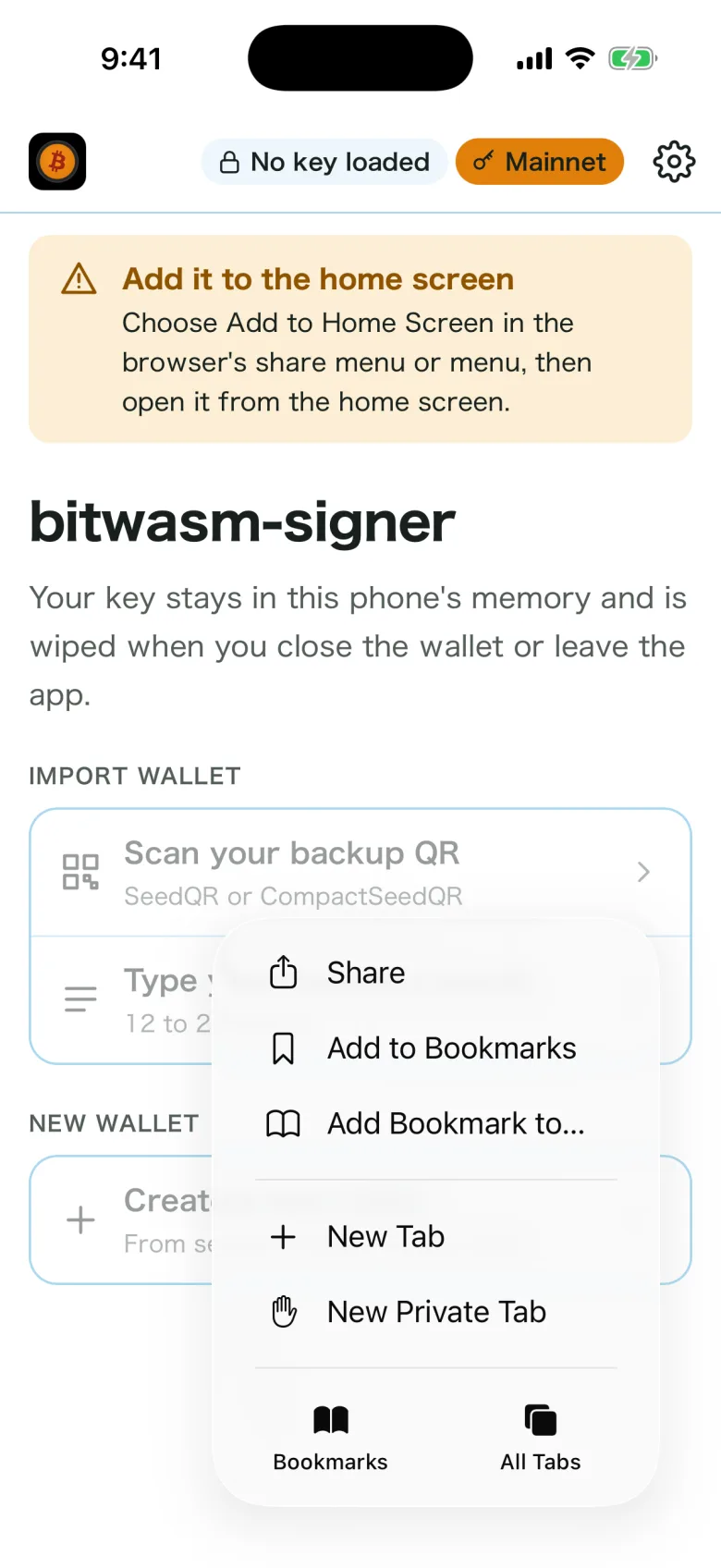
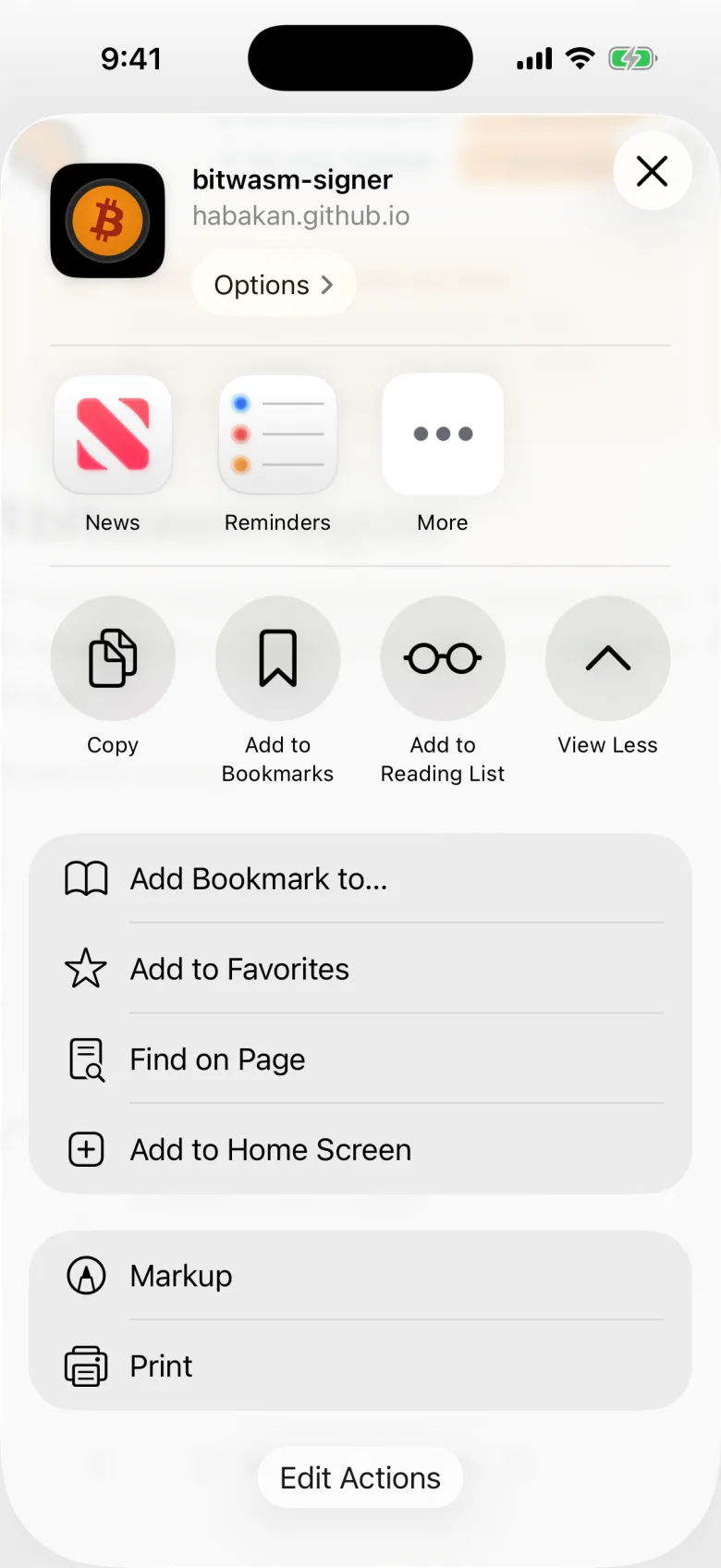
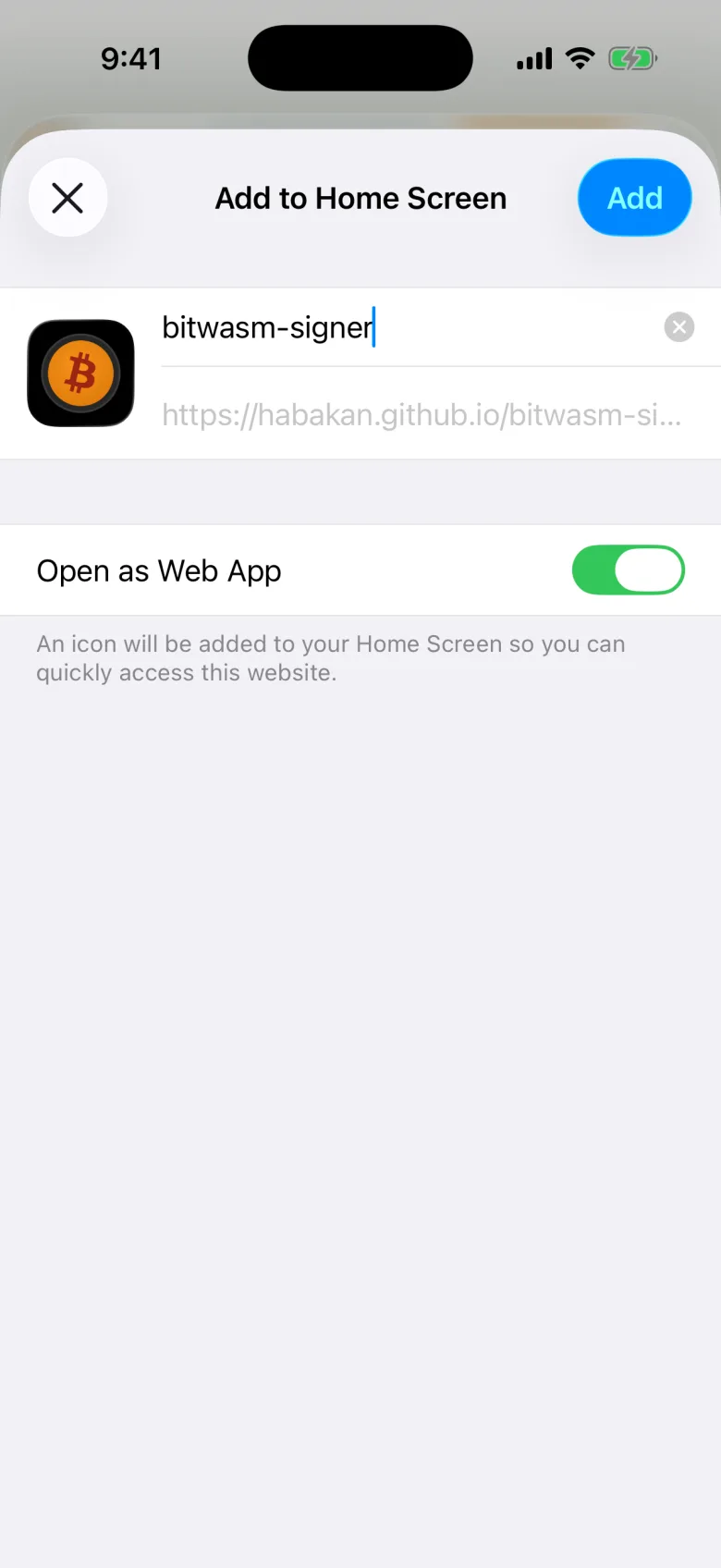
3. Open it from the home screen
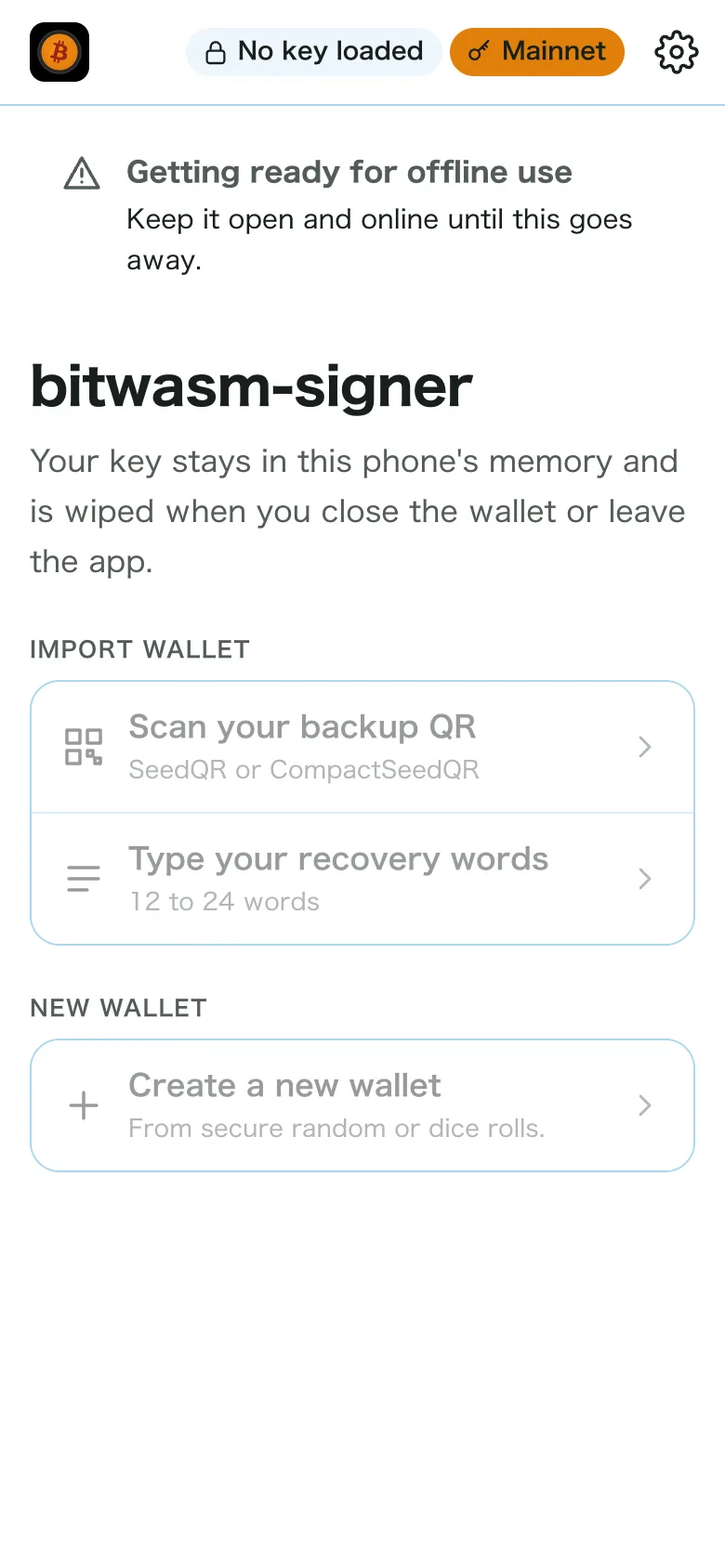
Open it from its new icon on the home screen. Keep it open and online until "Getting ready for offline use" goes away.
4. Check the build
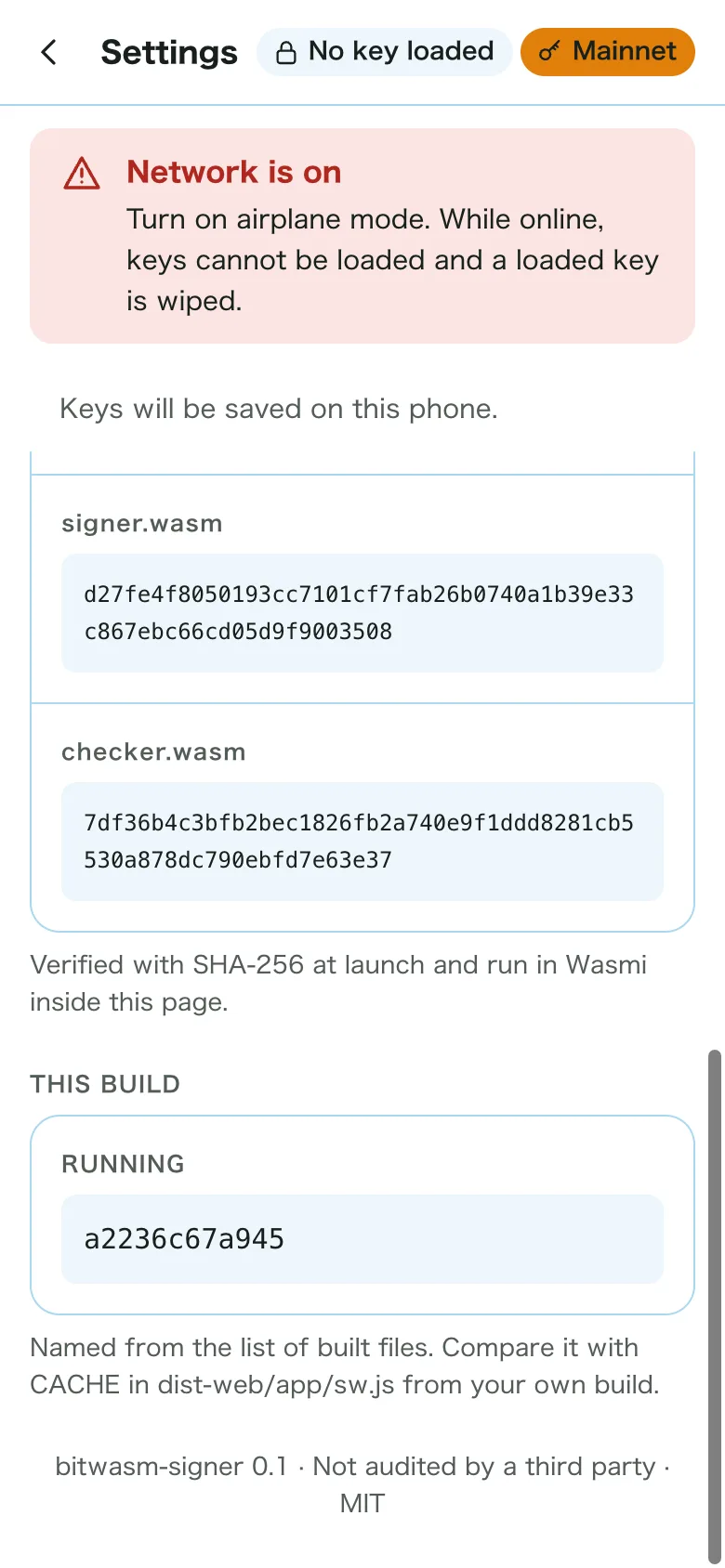
Open Settings at the top right, and compare This build at the bottom with "Web app build" in the release notes.
5. Turn on airplane mode
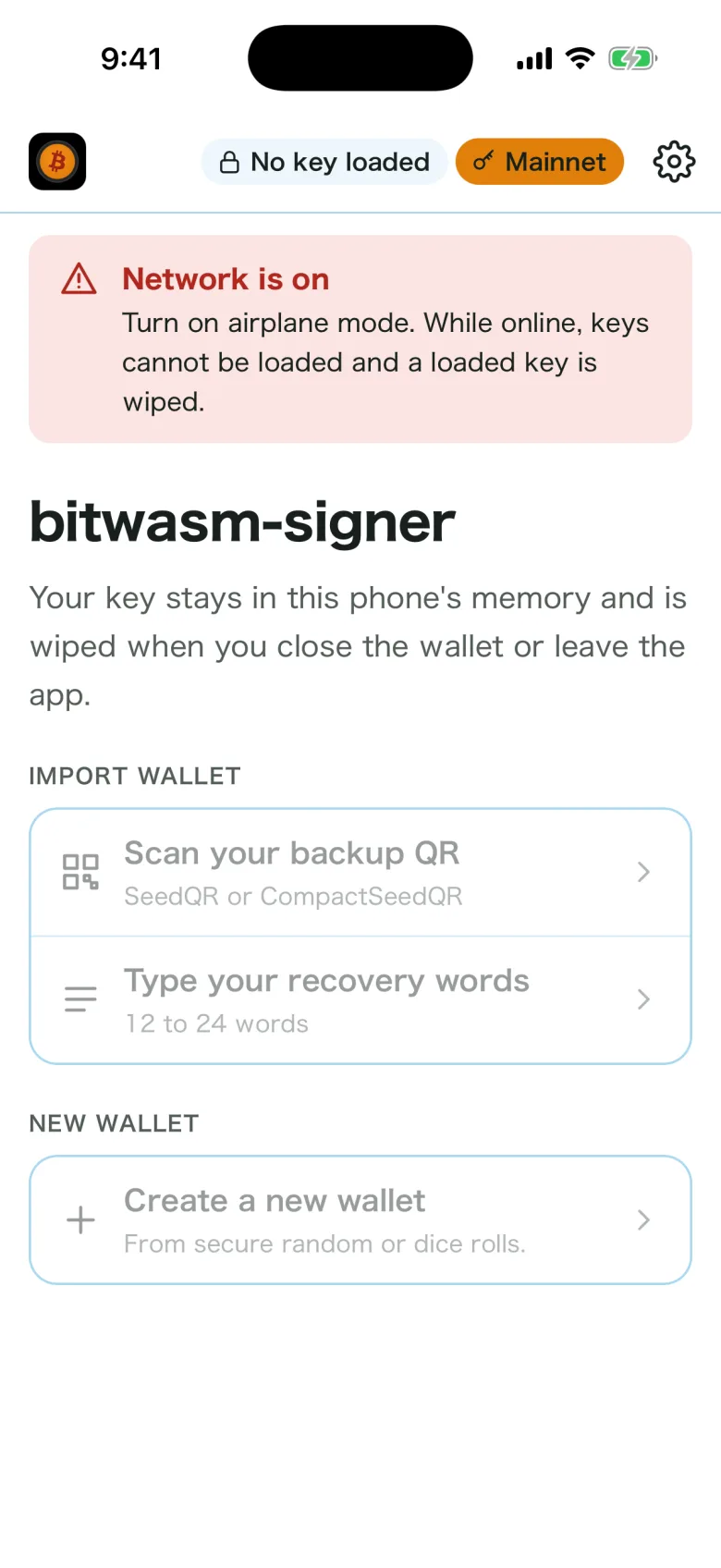
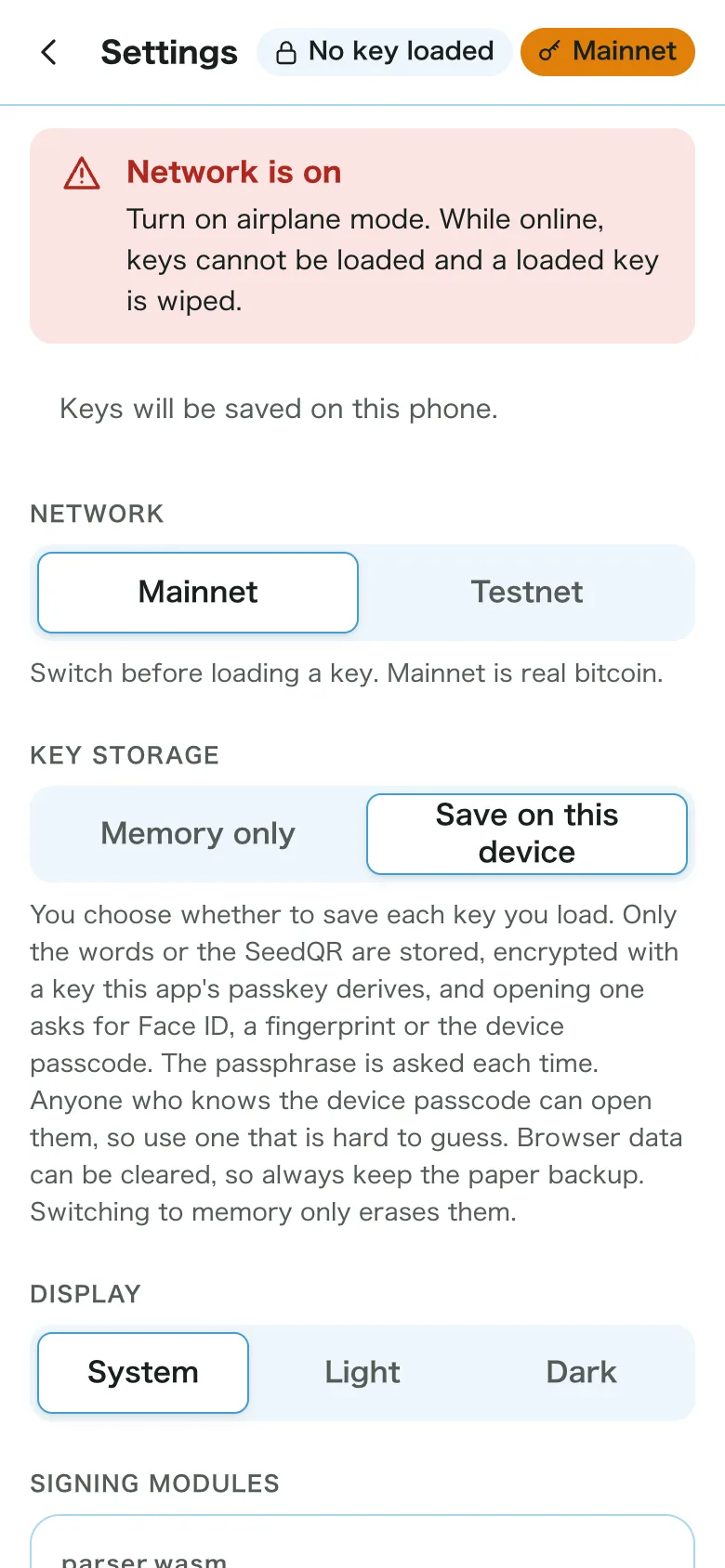
While the phone is online, a red notice shows and no key loads. Turning on airplane mode clears it.
6. Turn on key storage
Sign in to your Apple Account with iCloud Keychain on (iOS 18 or later). Choosing Save on this device under Key storage in Settings creates this app's passkey.
7. Load the key and save it
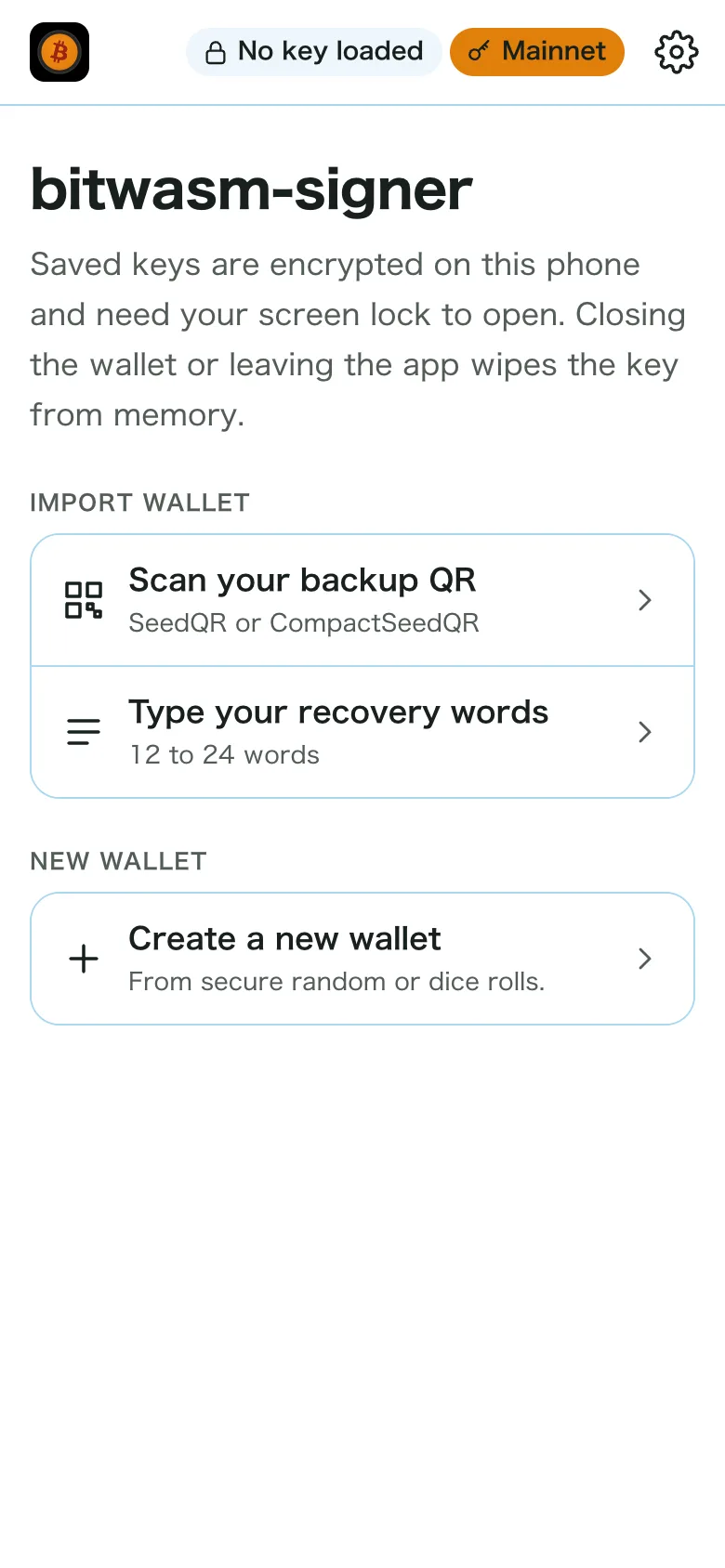
Back on the home screen, load the key from a SeedQR or your recovery words, and you are asked whether to save it. After that it opens with Face ID or the passcode. Type the passphrase on the built-in keyboard.
Go online only to update, then go to the home screen and open the app again. Check the build again afterwards.