Android, dedicated phone
Trusts the author's release (and the installer page and your PC if installed over USB). Costs using the phone for anything else. The full steps are in Signer Lockdown.
1. Factory reset the phone
Do not add any account. A device owner can only be set on a phone with no accounts.
2. Install Lockdown
- QR code: tap the same spot on the welcome screen six times, join Wi-Fi and scan the release's
provisioning-<version>.png. The PC only shows the image; the release decides what it holds (Set up with the QR code) - USB: the phone never goes online. Set a screen lock and turn on USB debugging first, then pick the Lockdown APK and
SHA256SUMSon the installer page on the PC (Set up without a network)
3. Apply the restrictions
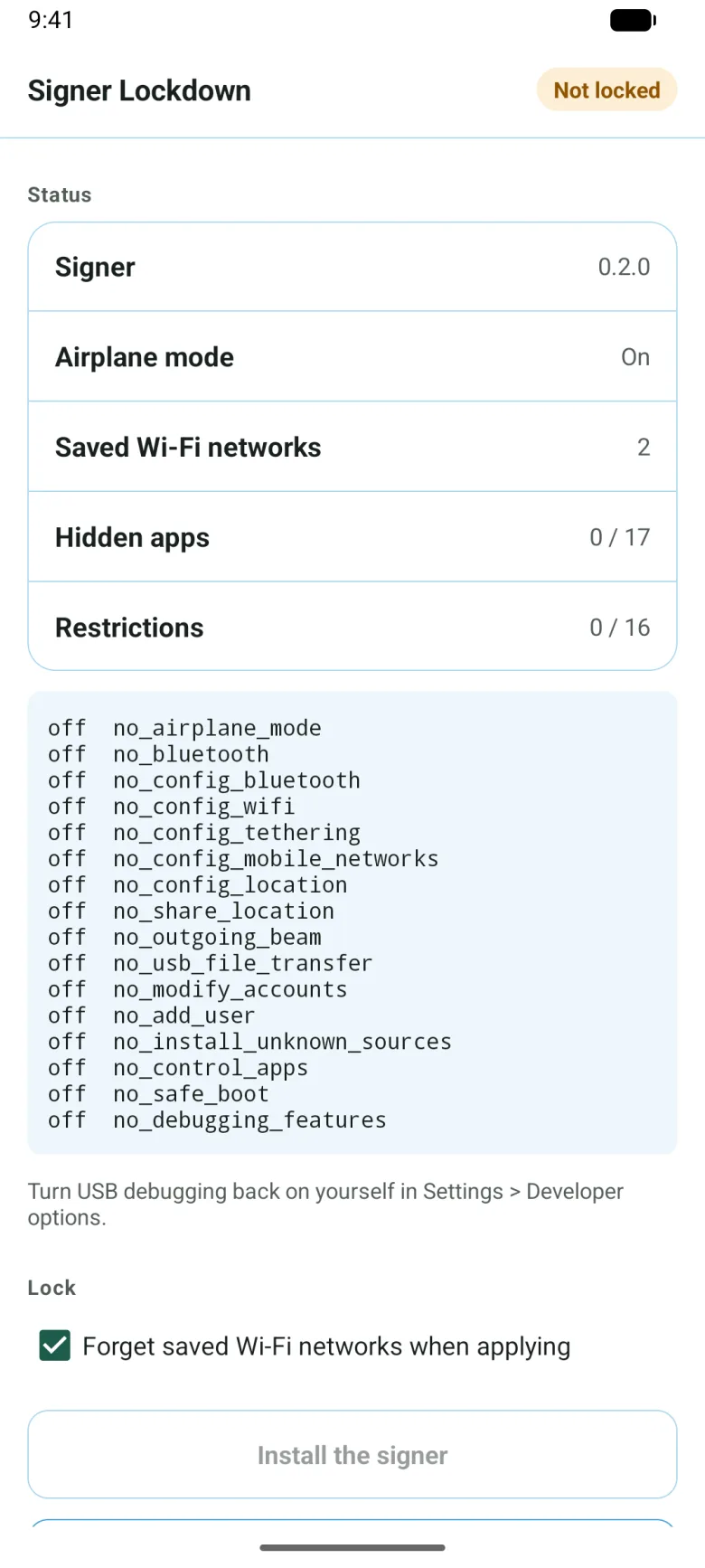
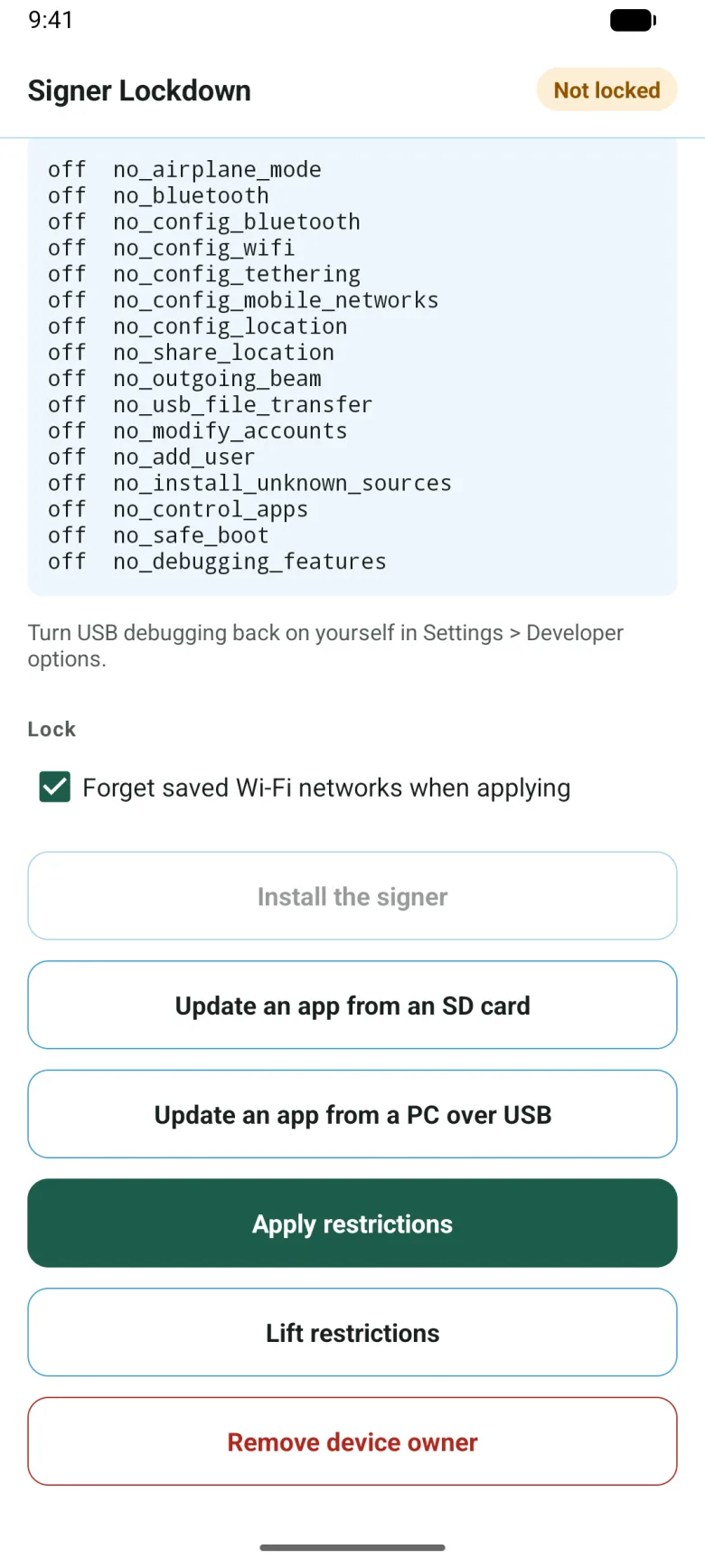
Set a screen lock. Do not add a Google account, and turn off every switch on the Google Services screen. Open Signer Lockdown, tap Install the signer, take out the SIM card, turn on airplane mode and tap Apply restrictions.
4. Save the key and use it
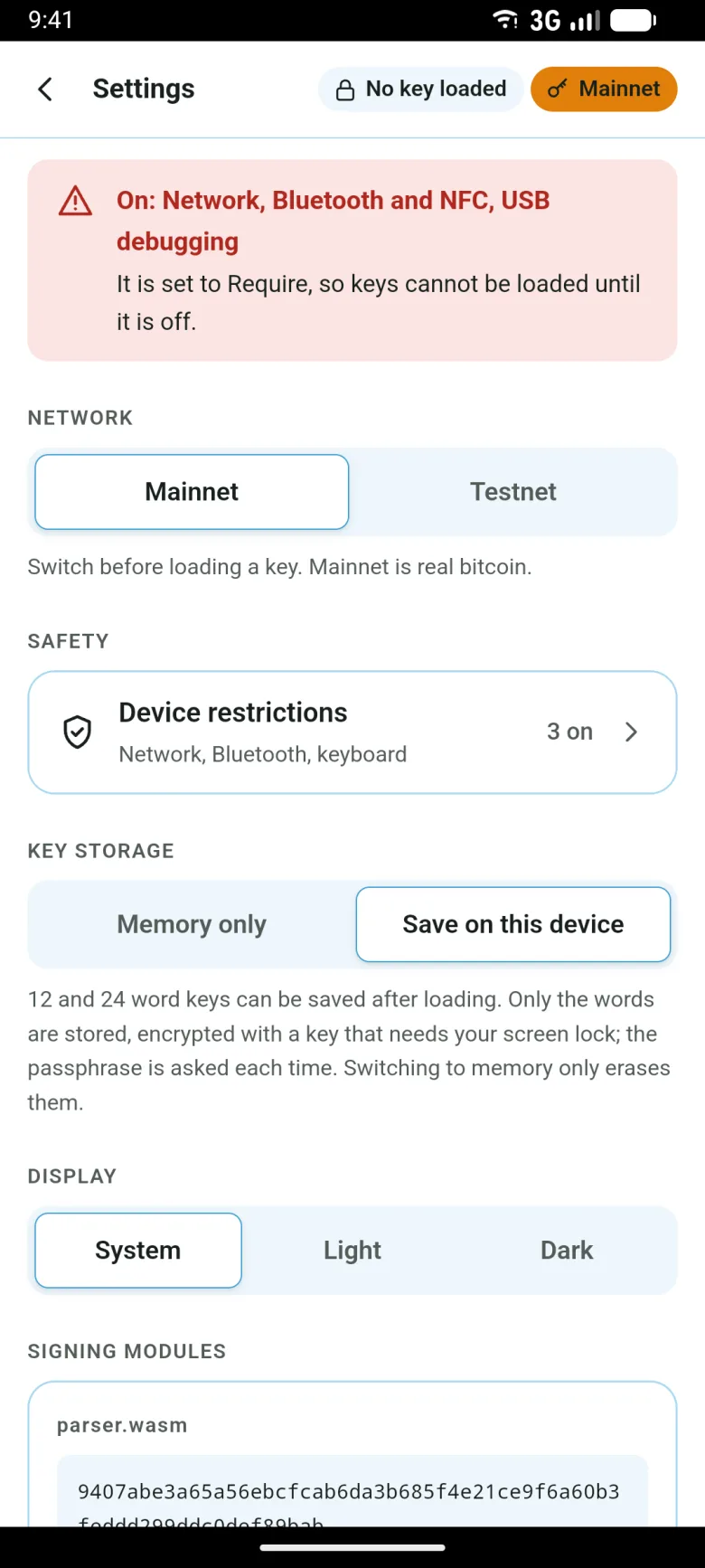
Save the key (Android Keystore). If you like, also set Settings › Device restrictions to "Require". Update from an SD card or with Lockdown's update from a PC over USB, checking against SHA256SUMS. To check the phone's state, pause the restrictions and run lockdown/audit.sh from a PC.