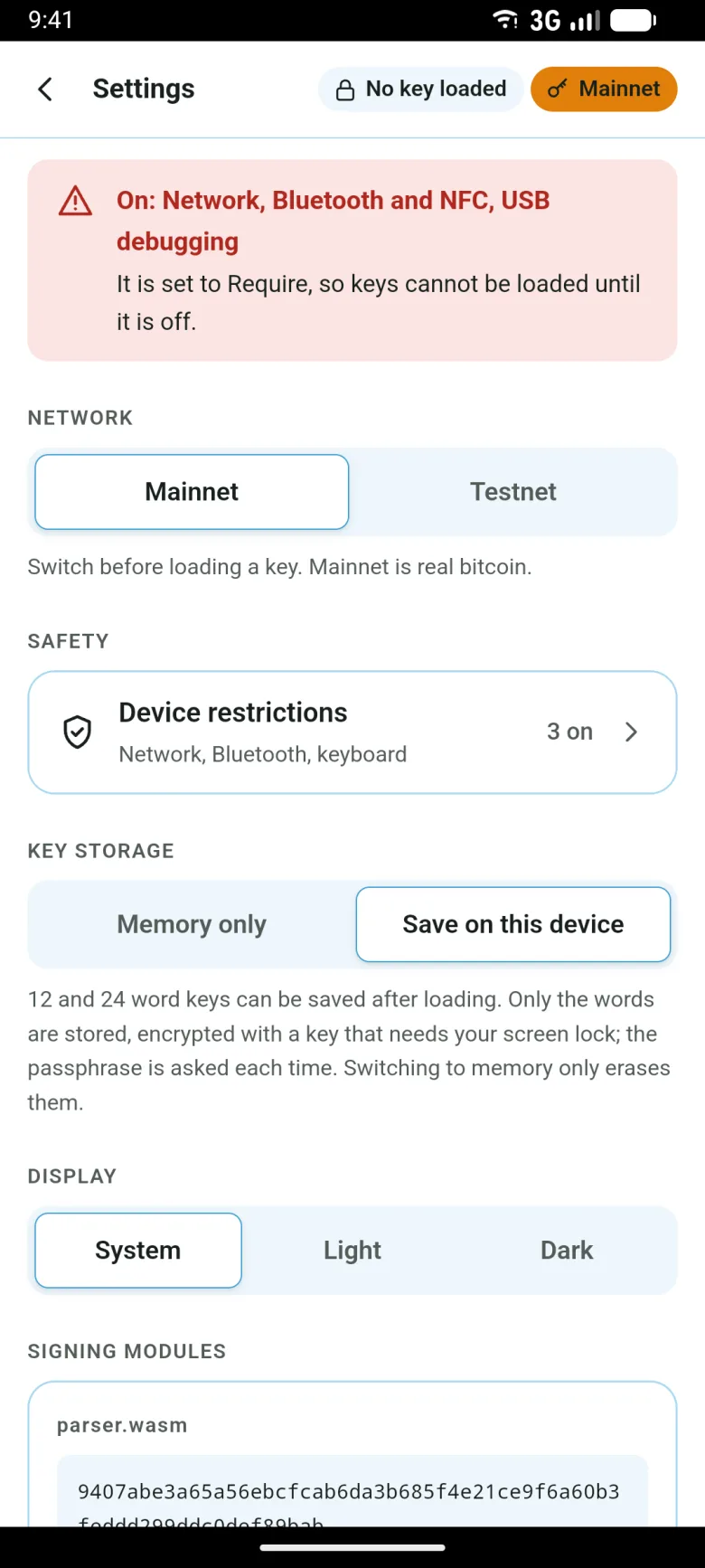
Android, easy
Trusts the author's release, the installer page and your PC. Costs being unable to load a key while a "Require" item is on. The signing phone never goes online.
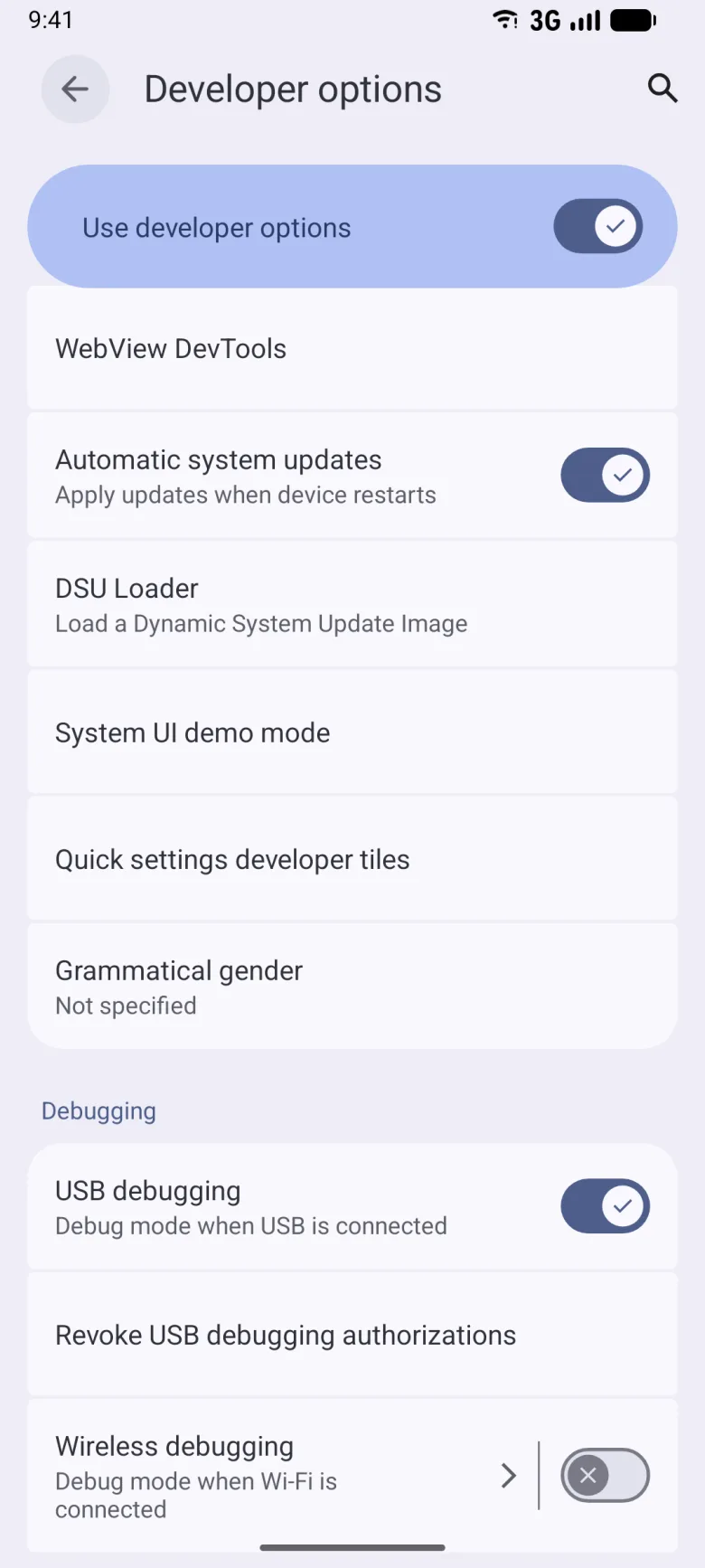
1. Turn on USB debugging
On the phone, show Developer options (tap Build number in About phone seven times) and turn on USB debugging.
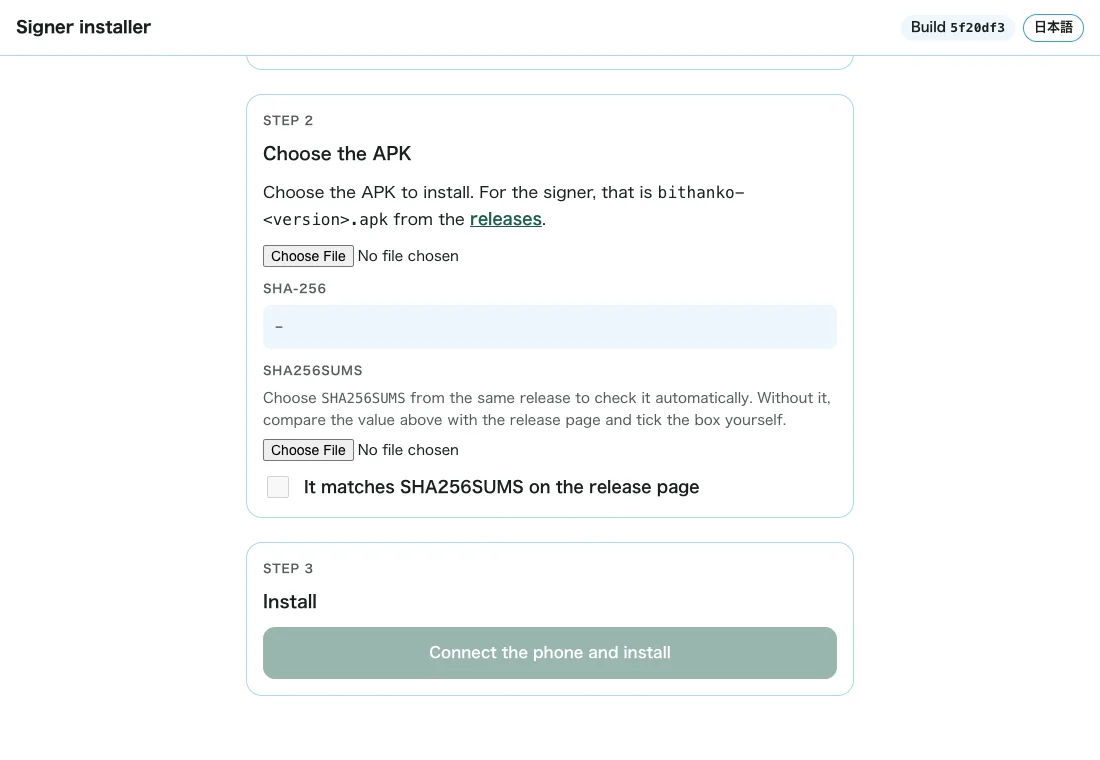
2. Install the APK with the installer page
On the PC, download the APK and SHA256SUMS from the releases, open the installer page with "Install an APK only" and pick both. It installs only if they match. Then turn off USB debugging and turn on airplane mode.
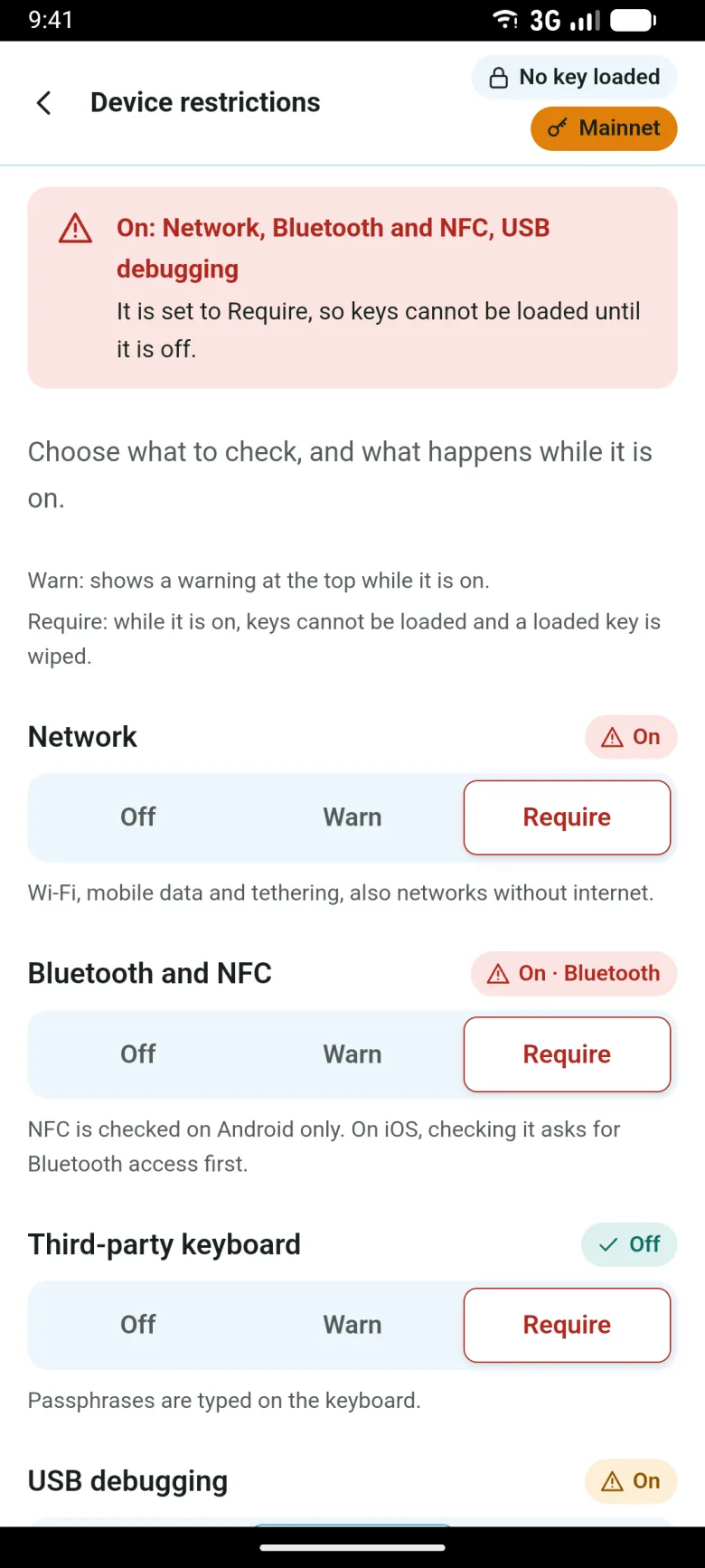
3. Set device restrictions to "Require"
In the signer, under Settings › Device restrictions, set network, Bluetooth and NFC, third-party keyboards, USB debugging and accessibility services to "Require".
4. Save the key
Set a screen lock and save the key (Android Keystore, no Google account). Type the passphrase on the built-in keyboard.